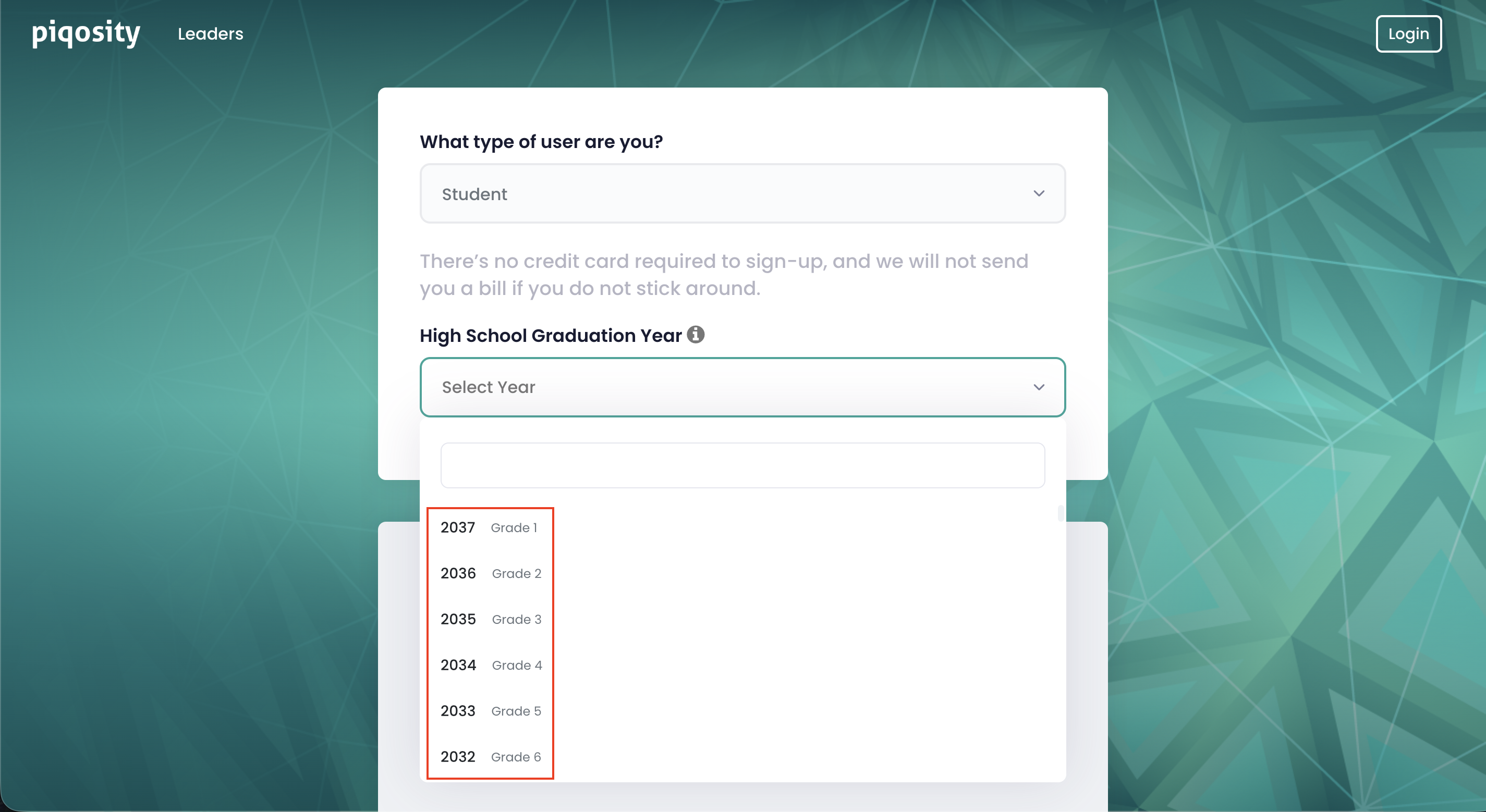
Beginning in Spring 2026, Piqosity asks Student users for their High School Graduation Year when they sign up for an account. This allows us to automatically update students' grade levels each year, ensuring that our question stats and advice to you remain accurate.
Each graduation year corresponds with a grade level, which are based on the K-12 education system in the United States.
When choosing a graduation year, you will see helper text in the dropdown indicating the grade level that corresponds with each option.
If you need to adjust your grade level, you can do so by editing your High School Graduation Year on the Student Profile.
Note:
- Students with a graduation year corresponding to 8th grade or below need adult permission to sign up for Piqosity and will be prompted to have a parent or guardian sign up for a Parent account, instead.
- Parent account registration includes the opportunity to create 1 or more Student accounts simultaneously.